
CapCut or Premiere Pro: Which Should Your Team Learn for Social Video?

Your marketing team needs Reels, TikToks and YouTube Shorts every week. Someone has to edit them, and the first question is always the same: should we learn CapCut or Premiere Pro?
Both are good. They are simply built for different jobs. Here is a plain guide to help you choose.
The short answer
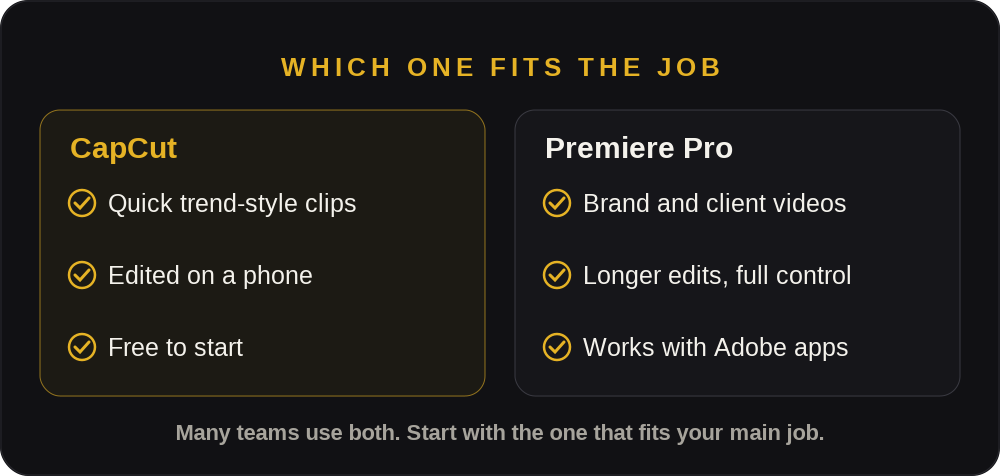
- Choose CapCut if you need quick, trend-style clips, often edited on a phone, by people who are not full-time editors.
- Choose Premiere Pro if your videos carry your brand, run longer than a minute, use client footage or need to look consistent across a whole campaign.
- Many teams use both. CapCut for fast daily posts, Premiere Pro for the videos that matter most.
What CapCut does well
- Speed. Templates, effects and trending styles let a beginner finish a clip in minutes.
- Auto captions. Quick, decent captions, which matter because many people watch with the sound off.
- Phone first. It runs on mobile, desktop and in the browser, so staff can edit wherever they are.
- Free to start. The free version covers the basics. More templates, watermark-free effects, 4K export and the fuller AI tools sit in the paid Standard and Pro plans.
What to watch out for
- Everyone uses the same templates. Your video can look like a thousand others unless you build your own style.
- Read the terms. CapCut's 2025 terms update drew criticism for the broad rights it gives over content users upload. Check the current terms before editing client or confidential footage.
- Limited for bigger projects. Longer videos, several editors working to one brand guide and detailed colour or audio work quickly hit its limits.
What Premiere Pro does well
- Full control. Precise editing, colour correction and audio clean-up for videos that represent your company.
- Brand consistency. Save your own title styles, colours and caption looks, so every editor produces videos that look like they came from one team.
- Works with the rest of Adobe. Bring in graphics from Photoshop and Illustrator, add motion with After Effects and use Firefly AI features such as Generative Extend, which adds a few extra frames to a clip that ends too soon.
- Speech to text. Accurate captions and transcripts, including for longer talks and interviews you want to cut into short clips.
- A free iPhone app. Adobe launched Premiere on iPhone in 2025, so quick mobile edits are possible here too.
What to watch out for
- It is a subscription. Premiere Pro is part of Adobe Creative Cloud.
- There is a learning curve. Self-taught editors often pick up slow habits. A few days of proper training saves months of trial and error.
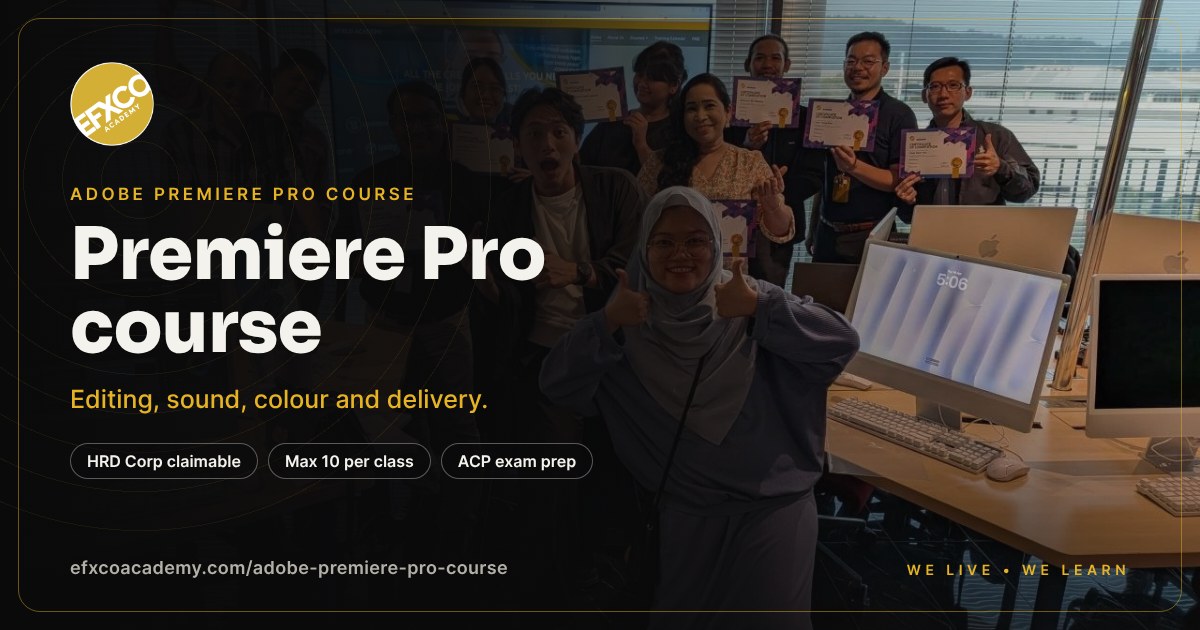 EFXCO courseAdobe Premiere Pro CourseHands-on in our Cyberjaya studio · HRD Corp claimableSee the course →
Three questions to help you decide
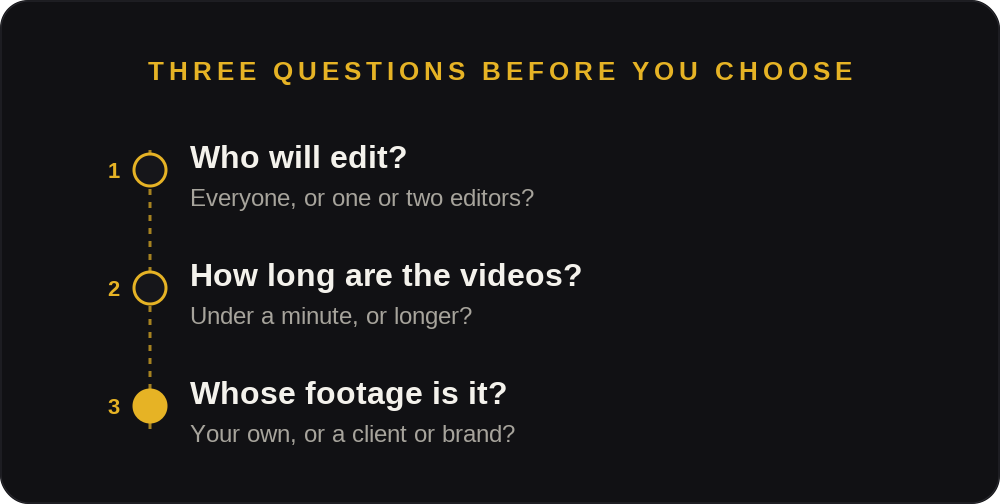
If most of your answers point to "everyone, short, our own footage", start with CapCut. If they point to "one or two editors, longer, client or brand footage", start with Premiere Pro. If your answers are mixed, train your main editor on Premiere Pro and let the wider team use CapCut for quick posts.
The real skill is the same on both
A strong hook in the first three seconds, clear captions, good sound and a clear call to action matter more than the app. Learn these properly and your team will make better videos in either tool. Our social media courses and Premiere Pro course are hands-on, built around real Malaysian marketing work, and HRD Corp claimable. Call us to book.
Sources: Adobe press release, Premiere on iPhone (30 Sep 2025); CapCut Help Centre, Standard vs Pro plans; TechTRP on the CapCut terms update (18 Jun 2025). Features and prices change often, so check the latest before you buy.
Get our brochure and we will help with your HRD Corp application.
Get the brochure