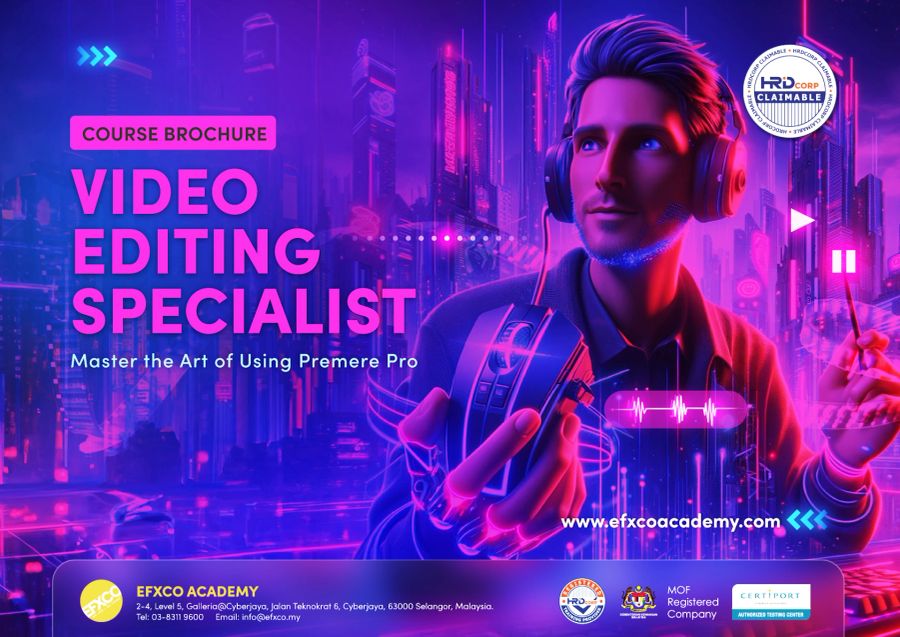
Video Editing Specialist
with Adobe Premiere Pro
Learn the editing tool used by Malaysian production houses, broadcasters and content teams. Cut, sound, colour and deliver videos that look professional, from your first edit to Adobe Certified Professional level.
- 8% SST included
- Breakfast and lunch every day
- Workstation with Adobe Creative Cloud
- EFXCO certificate of completion
Real projects, not just tools.
Every day ends with something you made yourself. These are the projects you will build in class.
Corporate videos
Company profiles and event highlights that look professional.
Social media reels
Vertical videos for Instagram, TikTok and YouTube Shorts.
Interviews and talking heads
Clean multicam edits with clear sound.
Promo and ad videos
Short, punchy ads with music and titles.
Colour-graded scenes
Consistent, cinematic colour with Lumetri.
YouTube videos
Long-form edits with captions and chapters.
Bronze, Silver or Gold.
Same studio, same trainer, same small class. Choose how far you want to go. Every program starts from the basics.
Essentials
Premiere Pro foundations
- Workspace, projects and bins
- Sequence settings and frame rates
- Cutting: trim, ripple and roll edits
- J and L cuts
- Adding music and adjusting levels
Polish and deliver
- Transitions and simple effects
- Titles and lower thirds
- Basic colour correction with Lumetri
- Auto captions
- Export for YouTube, social and broadcast
Professional workflows
Work like a pro
- Multicam editing for interviews
- Essential Sound: clean dialogue and ducking
- Nested sequences and adjustment layers
- Templates and Motion Graphics templates
- Proxies for smooth 4K editing
Beginner to advanced
Colour, motion and storytelling
- Colour grading with Lumetri scopes
- Keyframed motion and speed ramps
- Green screen keying
- Story structure for corporate and social
- Dynamic Link with After Effects
Portfolio and certification ready
- Your portfolio edit, start to finish
- One-to-one review with your trainer
- Adobe Certified Professional exam objectives
- Timed practice questions
- Next steps: exam, freelance or in-house
The kind of work you will create.
 Sample
 Sample
 Sample
 Sample
 Sample
 Sample
Sample images showing the types of projects covered in class. Our student gallery is coming soon.
Built for people who create every day.
Content creators
Edit faster and make videos people finish watching.
Corporate communications
Event highlights, CEO messages and company profiles.
Marketing and social teams
Reels and ads made in-house, on brand.
Complete beginners
Never edited before? Bronze starts from the first cut.
Broadcast and production staff
Fill gaps and prepare for certification.
Lecturers and teachers
Teach video editing with confidence.
Pick your date.
Public classes run at our Cyberjaya studio. Need another date, or a private class for your team? Call us to book.
Learn from Ian Steven.

Ian Steven
Ian teaches Premiere Pro every day: clean edits, multicam, sound, colour and delivery for real productions.
Gold covers the exam objectives. Sit the official exam at our Certiport testing centre with our 3-day Premiere Pro exam prep, exam and free retake included.
Jobs that start with Premiere Pro.
Video Editor
Cuts footage into finished videos with sound, titles and colour.
Content Creator
Plans, shoots and edits videos for brands and social media.
Social Media Executive
Runs brand accounts and produces short-form video.
Post-production Editor
Edits long-form content, documentaries and TV programmes.
Typical monthly pay in Malaysia from public job ads and salary guides. See sources and career paths in our Creative Careers Guide.
Good to know.
Do I need any experience?
No. Bronze starts from the very first click in Premiere Pro. Silver and Gold build on it in the same week, so complete beginners can take any of them.
Which program should I choose?
Bronze (2 days) covers the essentials. Silver (3 days) adds professional, faster workflows. Gold (5 days) takes you from beginner to advanced, with colour grading and storytelling, and covers the Adobe Certified Professional exam objectives. Most people choose Gold.
Can my company claim this from HRD Corp?
Yes, usually. EFXCO Academy is an HRD Corp registered training provider, and we prepare the quotation and documents for your grant application.
Is the fee all-in?
Yes. Fees include 8% SST, breakfast and lunch every day and a workstation with Adobe Creative Cloud. Bronze starts from RM 3,100 per person. Silver and Gold fees are in the free brochure.
Do I need my own laptop or Premiere Pro licence?
No. We provide high-end workstations with Adobe Creative Cloud. To practise at home after class you need your own Adobe plan.
Do I get a certificate?
Yes, every participant gets an EFXCO certificate of completion. For the official Adobe Certified Professional certificate, sit our 3-day exam prep with the exam included.
Can you train my whole team?
Yes. Private classes run at our Cyberjaya studio or at your office, for teams of 5 or more, with content tailored to your work.
Become a Video Editing Specialist.
Get the brochure with the full outline, fees and dates. We handle the HRD Corp paperwork.