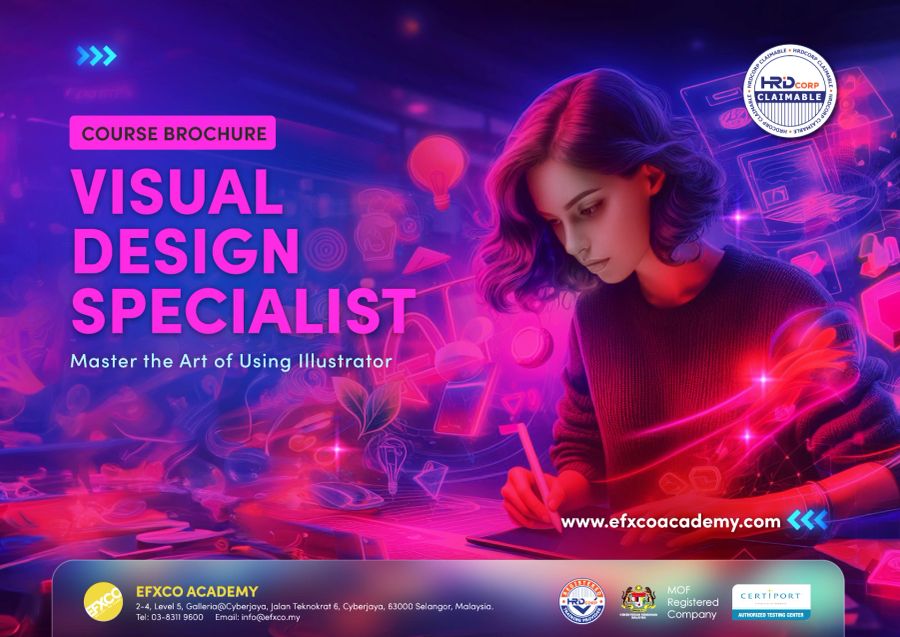
Visual Design Specialist
with Adobe Illustrator
Learn the vector tool behind every logo, icon and brand identity. Draw with confidence, build brand assets and prepare artwork that prints perfectly, from your first shape to Adobe Certified Professional level.
- 8% SST included
- Breakfast and lunch every day
- Workstation with Adobe Creative Cloud
- EFXCO certificate of completion
Real projects, not just tools.
Every day ends with something you made yourself. These are the projects you will build in class.
Logos
Clean, scalable logos built from shapes and the Pen tool.
Brand identity kits
Colours, type and brand assets that stay consistent.
Icons and infographics
Sharp icon sets and charts for reports and apps.
Illustrations
Flat and detailed vector illustrations for print and screen.
Packaging and labels
Print-ready labels and boxes with dielines.
Posters and social graphics
Bold layouts with type, colour and pattern.
Bronze, Silver or Gold.
Same studio, same trainer, same small class. Choose how far you want to go. Every program starts from the basics.
Essentials
Illustrator foundations
- Workspace, artboards and navigation
- Vector versus pixel, colour modes
- Shapes, Shape Builder and Pathfinder
- Stroke, fill and swatches
- Selecting, grouping and aligning
Draw, type and export
- The Pen and Curvature tools
- Type: point, area and type on a path
- Layers and appearance basics
- Build a simple logo and business card
- Export for web, social and print
Professional workflows
Work like a pro
- Global colours, libraries and graphic styles
- Symbols and repeat patterns
- Image Trace and Live Paint
- Gradients, blends and effects
- Generative Recolor and Text to Vector with Firefly
Beginner to advanced
Brand and packaging projects
- A complete brand identity kit
- Icon set and infographic
- Packaging label with dieline
- Perspective grid and 3D effects
- Preparing files for professional printers
Portfolio and certification ready
- Your portfolio project, start to finish
- One-to-one review with your trainer
- Adobe Certified Professional exam objectives
- Timed practice questions
- Next steps: exam, freelance or in-house
The kind of work you will create.
 Sample
 Sample
 Sample
 Sample
 Sample
 Sample
Sample images showing the types of projects covered in class. Our student gallery is coming soon.
Built for people who create every day.
Marketing and brand teams
Create brand assets in-house and keep them consistent.
Entrepreneurs and SMEs
Design your own logo, labels and packaging.
Graphic designers
Master vector work and prepare for certification.
Complete beginners
Never used Illustrator? Bronze starts from the first shape.
Illustrators and artists
Turn sketches into clean vector artwork.
Lecturers and teachers
Teach Illustrator with confidence, and get certified.
Pick your date.
Public classes run at our Cyberjaya studio. Need another date, or a private class for your team? Call us to book.
Learn from Nadhirah Ishak.

Ts. Nadhirah Ishak
Nadhirah is an Adobe Certified Professional herself. She heads training at EFXCO, leads our Photoshop, Illustrator, InDesign and Firefly classes, and has prepared many participants who went on to pass their Adobe exams.
Gold covers the exam objectives. Sit the official exam at our Certiport testing centre with our 3-day Illustrator exam prep, exam and free retake included.
Jobs that start with Illustrator.
Brand and Identity Designer
Creates logos, brand guidelines and the visual identity of companies.
Illustrator
Draws illustrations for books, ads, apps and merchandise.
Packaging Designer
Designs product boxes, labels and print-ready artwork.
UI/UX Designer
Designs app and web screens; Illustrator skills help with icons and assets.
Typical monthly pay in Malaysia from public job ads and salary guides. See sources and career paths in our Creative Careers Guide.
Good to know.
Do I need any experience?
No. Bronze starts from the very first click in Illustrator. Silver and Gold build on it in the same week, so complete beginners can take any of them.
Which program should I choose?
Bronze (2 days) covers the essentials. Silver (3 days) adds professional, faster workflows. Gold (5 days) takes you from beginner to advanced, with brand and packaging projects, and covers the Adobe Certified Professional exam objectives. Most people choose Gold.
Can my company claim this from HRD Corp?
Yes, usually. EFXCO Academy is an HRD Corp registered training provider, and we prepare the quotation and documents for your grant application.
Is the fee all-in?
Yes. Fees include 8% SST, breakfast and lunch every day and a workstation with Adobe Creative Cloud. Bronze starts from RM 3,100 per person. Silver and Gold fees are in the free brochure.
Do I need my own laptop or Illustrator licence?
No. We provide high-end workstations with Adobe Creative Cloud. To practise at home after class you need your own Adobe plan.
Do I get a certificate?
Yes, every participant gets an EFXCO certificate of completion. For the official Adobe Certified Professional certificate, sit our 3-day exam prep with the exam included.
Can you train my whole team?
Yes. Private classes run at our Cyberjaya studio or at your office, for teams of 5 or more, with content tailored to your work.
Become a Visual Design Specialist.
Get the brochure with the full outline, fees and dates. We handle the HRD Corp paperwork.