
Tender Due Friday? How AI Speeds Up 3D Visuals for Proposals

It usually starts with an email on Monday. A tender closes on Friday, the client wants 3D views of the proposed building, booth or site, and your team is already busy with three other jobs. Everyone knows how the week will end: late nights, rushed renders and a submission sent five minutes before the deadline.
It does not have to go that way. AI will not design the project for you, and it should not. What it can do is take care of the slow, repetitive 3D jobs that eat your hours, so you and your team can spend that time on the design itself and still hand it in on time.
Where the hours really go
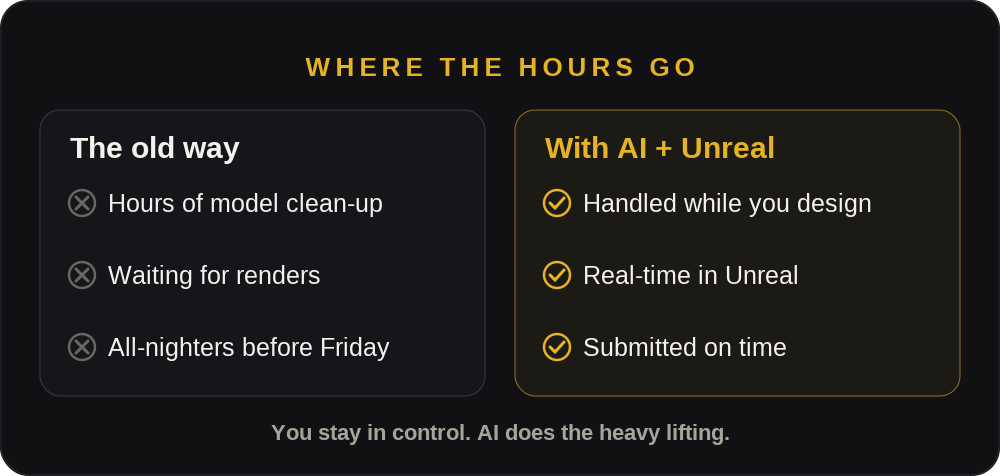
Ask any designer what took the most time on their last rushed proposal, and the answer is rarely the design. It is the work around it:
- Cleaning up models. CAD or SketchUp files arrive with hundreds of badly named parts, hidden layers and the wrong scale.
- Placing repeat items. Trees, cars, people, chairs and lamp posts, one by one.
- Waiting for renders. Every small change means another long render, often overnight.
- Last-minute changes. "Can we see it at night?" or "Try the facade in grey" on Thursday afternoon.
Five ways AI saves time on a tender
1. Clean up the model with a script
Instead of tidying a model by hand, describe the problem to Claude or ChatGPT in plain English: "Rename every object by its layer, delete hidden parts and set the scale to metres." It writes a short Python script you run inside Blender. You do not need to be a programmer. You need to know what to ask for and how to check the result.
2. Fill the scene in minutes, not hours
The same approach works for placing trees along a road, cars in a car park or chairs in a hall. You decide the layout and the rules, and the script does the repetitive placing.
3. See it in real time with Unreal Engine
Unreal Engine shows your scene at near-final quality as you work, so there is no waiting for each render. You can walk the client view, adjust the lighting and capture images and video in the same session. AI helps here too, by writing small tools that apply materials or set up camera shots.
4. Handle Thursday's changes calmly
A night view, a different colour scheme or a second design option no longer means starting again. In a real-time scene, many of these changes take minutes. That is often the difference between submitting one option and offering the client a choice.
5. Write the words around the visuals
Tenders need more than pictures. Claude or ChatGPT can draft the design statement, image captions and a short walkthrough script from your notes, in English or BM. You edit and approve it. It simply gives you a strong first draft at the busiest point of the week.
 EFXCO courseAI-Powered 3D Workflows5 days · Blender, Unreal Engine and Claude or ChatGPT · HRD Corp claimableSee the course →
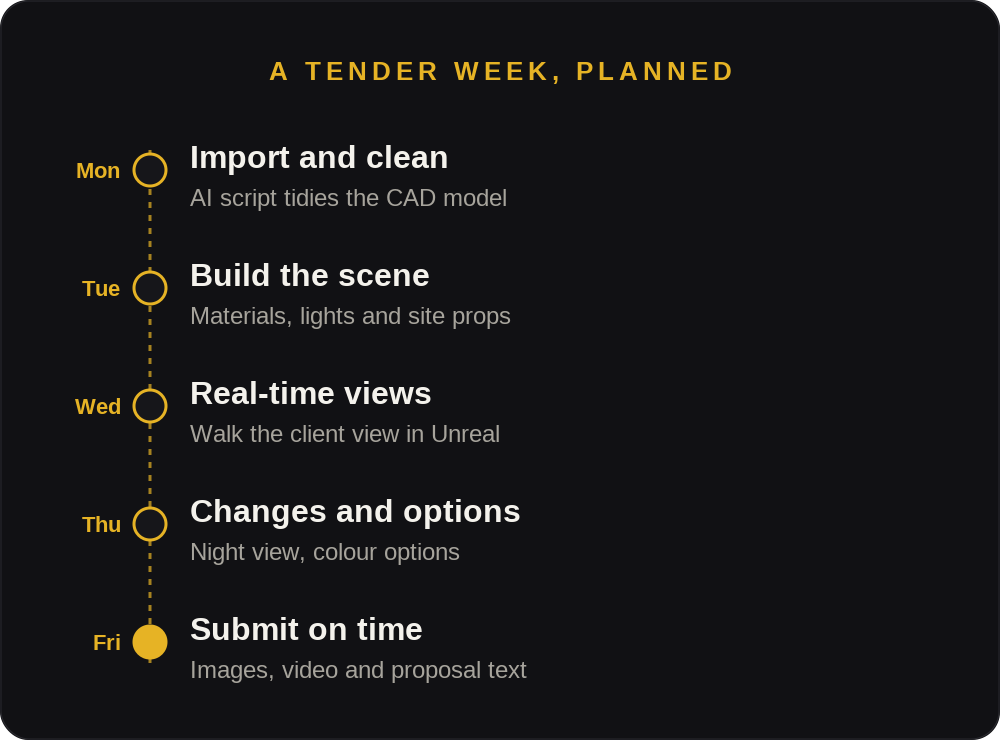
A tender week, planned
What AI does not do
AI does not make design decisions, check that dimensions match the drawings or understand what your client really cares about. Those stay with you. Think of it as a fast assistant that takes care of the jobs nobody enjoys, while you stay in control of every decision that matters.
A few simple rules keep it safe:
- Do not paste confidential client drawings or data into personal free accounts.
- Test every script on a copy of the file first.
- Check the final visuals against the drawings before anything is submitted.
Learn the workflow once, use it on every tender
Our AI-Powered 3D Workflows course teaches this exact process over five days: preparing models in Blender, building real-time scenes in Unreal Engine and using Claude or ChatGPT to handle the slow, repetitive steps. No coding experience needed, classes are small, and it is HRD Corp claimable. Call us to book, or ask about a private session for your own team.
Get our brochure and we will help with your HRD Corp application.
Get the brochure