
CAD to Unreal Engine: Real-Time Visuals for Architects and Designers
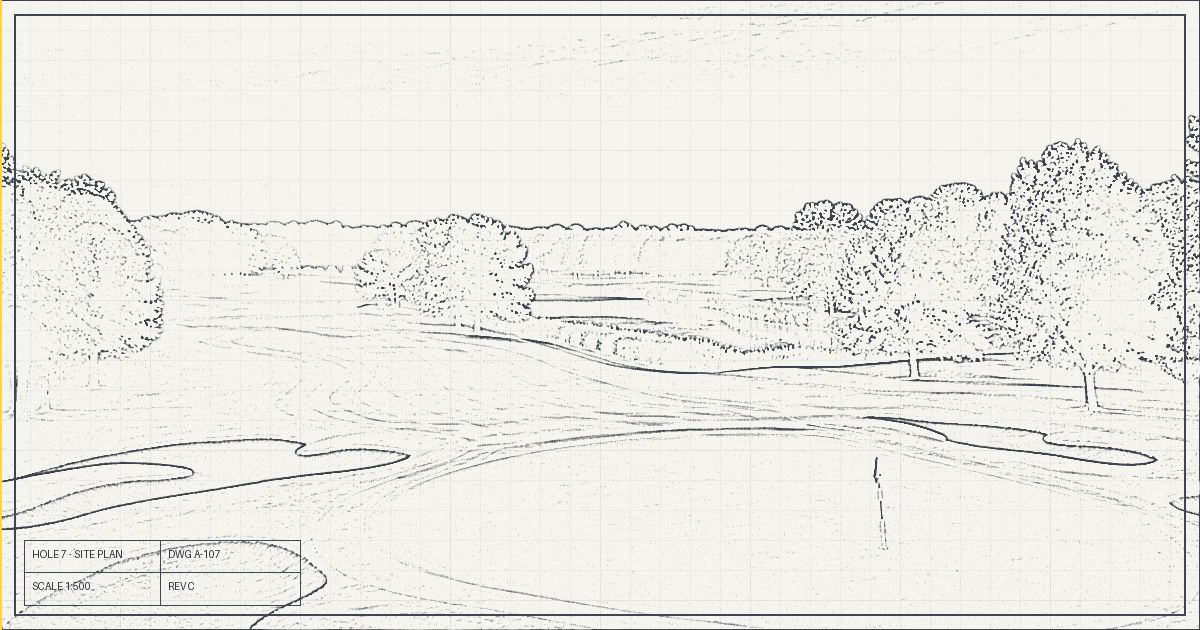
For years, design presentations meant a handful of still renders that took days to produce. If the client asked for a new angle or a different material, the wait started again. Real-time engines like Unreal Engine change that completely.
What "real-time" means for designers
In Unreal Engine, your model is live. You can walk through it, change the time of day, swap materials and move the camera while the client watches. Stills, flyover films, 360 turntables and walkthroughs all come from the same scene.
Who is using it
- Architects and interior designers presenting buildings and spaces before construction.
- Landscape, masterplan and golf course designers showing terrain, planting and views across large sites.
- Engineering and construction teams explaining phasing and site logistics.
- Property developers creating marketing visuals and virtual show units.
The basic workflow
- Prepare the CAD or BIM model. Clean up layers, units and unnecessary detail in AutoCAD, Revit, SketchUp or your 3D tool.
- Bring it into Unreal Engine. Datasmith and standard formats keep your geometry and materials organised.
- Light it. Real sun and sky, accurate shadows and global illumination make the design feel real.
- Add context. Landscaping, people, vehicles and surroundings.
- Present and render. Live reviews, plus high-quality output through Movie Render Queue.
Where teams usually get stuck
The software is free, but the learning curve is real. Messy CAD exports, wrong scale, slow scenes and flat-looking lighting are the most common problems we see. These are all solvable with the right workflow, which is why structured training saves months of trial and error.
Learn it with real projects
Our CAD to Unreal Engine training is built around this exact pipeline and taught by Unreal Authorized Instructors at our Unreal Authorized Training Center in Cyberjaya. Want to go faster? Our AI-Powered 3D Workflows program adds Claude and ChatGPT to take over the repetitive steps. Both are HRD Corp claimable.
Get our brochure and we will help with your HRD Corp application.
Get the brochure